Mobile Apps · 2023 · Live
InstaDown
High-throughput media ingestion mobile application with integrated monetization.
- Role
- Creator & Mobile Engineer
- Duration
- Completed
- Team size
- Solo
Project overview
What this product is
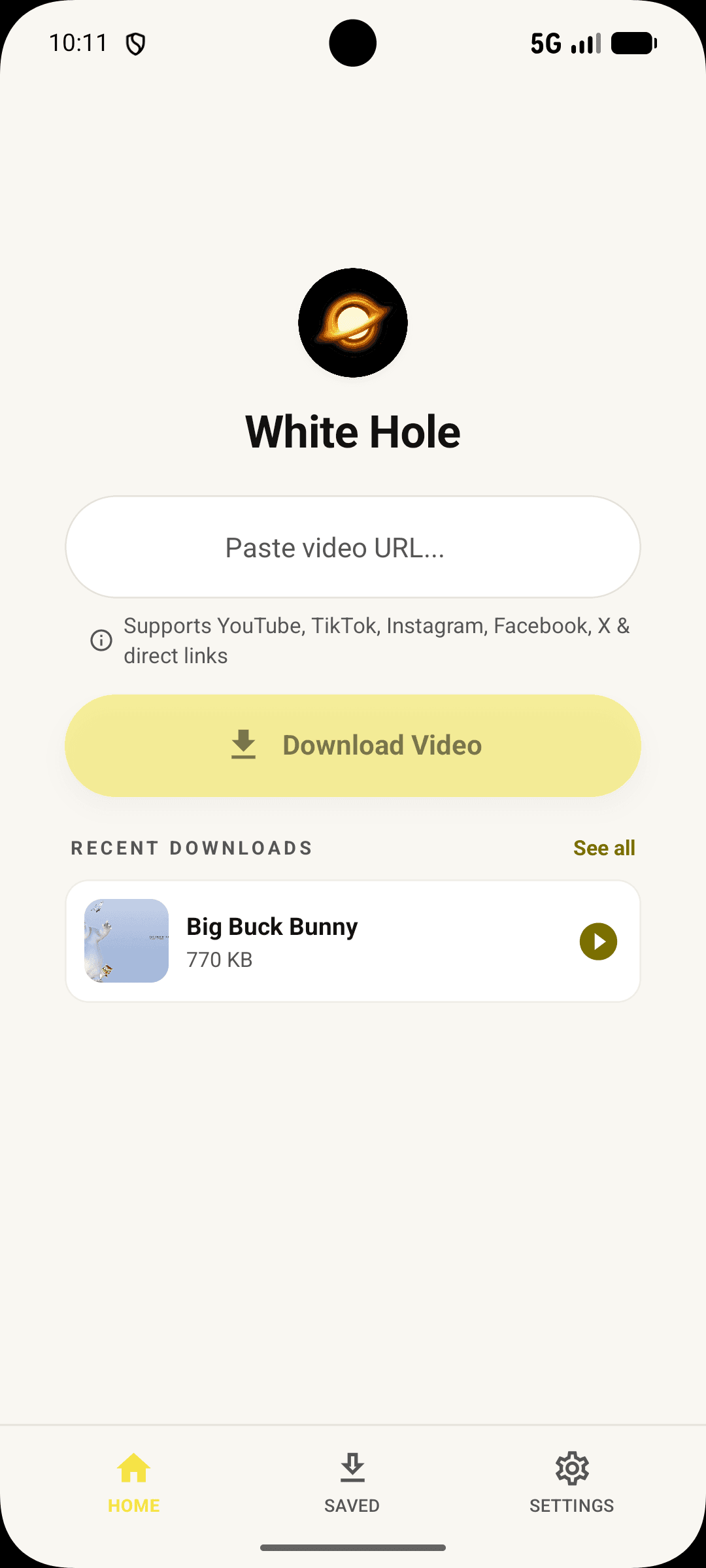
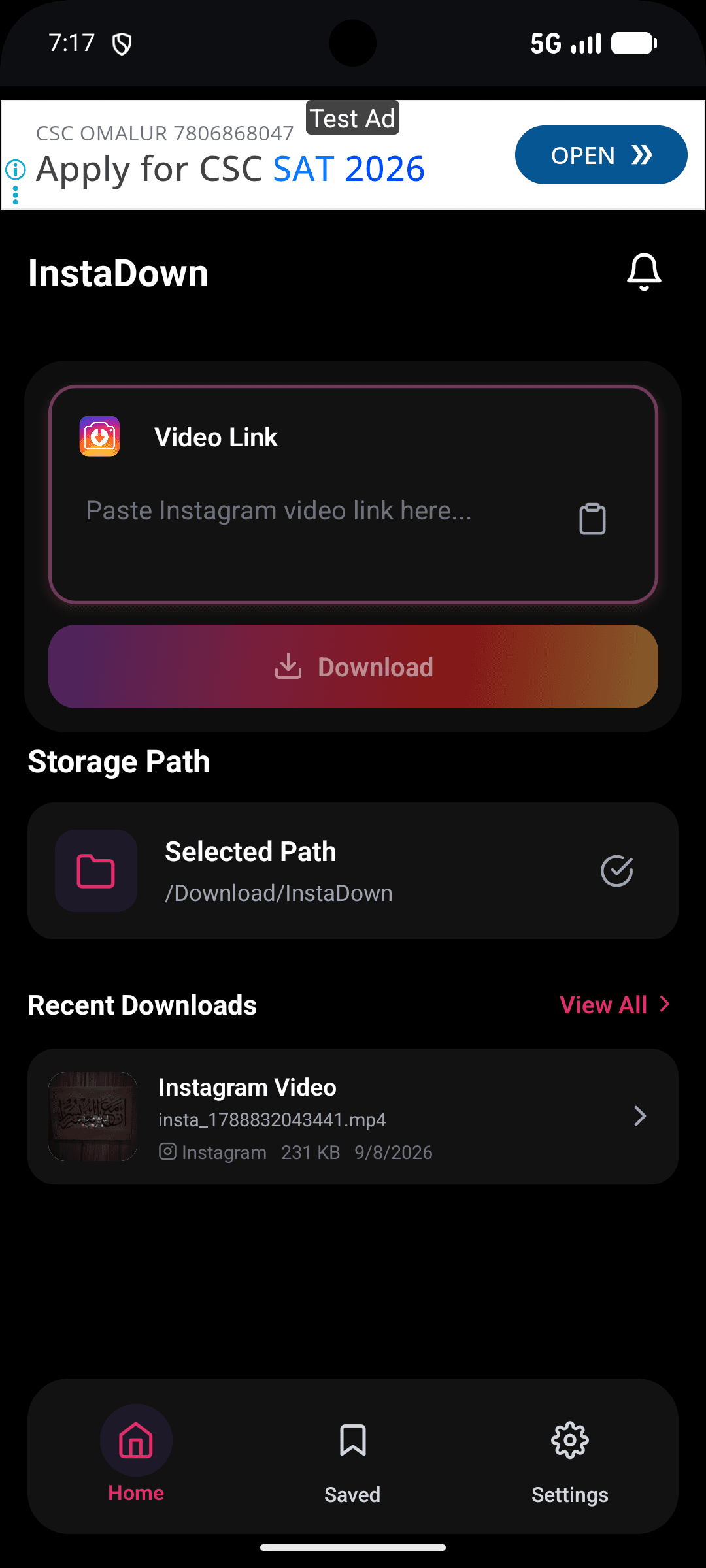
InstaDown is a fast, no-nonsense media downloader app: paste a link, get the file — original quality, batch downloads, background fetching, done in two taps.
I built it because every downloader I tried was a maze of ads, fake buttons and re-compressed files. InstaDown is the opposite: clean, quick and honest about what it does.
The problem
Why it existed
Downloading media on mobile is a minefield: web tools drown you in advertising and degrade quality, while existing apps bury the actual download under pop-ups and subscriptions.
Who experienced it
People who save content for offline use — commuters, creators archiving their own work, anyone with unreliable internet.
Why current solutions weren't enough
Existing tools monetise confusion. The honest options were slow, re-encoded files or desktop-only flows with cable transfers.
The idea
Vision and constraints
Original vision
Two taps, original quality, zero ads. The download sheet is the entire product — everything else is a file list.
Background fetching mattered as much as speed: pick ten videos, lock the phone, come back to ten files. Respecting the user's time and battery was the brief.
Development process
01
Research
Mapped the failure modes of existing downloaders — every dark pattern became an anti-requirement.
02
Architecture
Thin app, smart service: extraction lives server-side so fixes ship without app releases.
03
Development
Single-link flow first, batch second, background queue third — each shipped separately.
04
Testing
Tested on poor networks and low-end devices; download resume verified against real interruptions.
05
Launch
Released with a word-of-mouth loop; the first review cohort shaped the batch queue.
My role
Exactly what I worked on
Solo end-to-end build — Flutter app, extraction service, and the release pipeline.
Mobile App
Flutter app with Riverpod state, background download queue and platform gallery integration.
Extraction Service
Node.js service resolving links to direct media URLs, with quality selection and resolver rotation.
Performance
Chunked parallel downloads, resume support and battery-aware scheduling.
Release
App store packaging, crash reporting and a feedback loop that drove the batch feature.
Tech stack
The tools that shipped it
Key features
What makes it useful
Two-Tap Downloads
Paste, confirm, file. The share sheet skips the app entirely for the shortest possible path.
- Original-quality media, no re-encoding
- Quality picker when variants exist
- Share-sheet target for one-tap flow
Batch & Background
Queue dozens of items and let the phone work — downloads continue with the screen off.
- Background fetch with OS scheduling
- Resume across app restarts
- Progress that's honest, not animated fiction
Clean Library
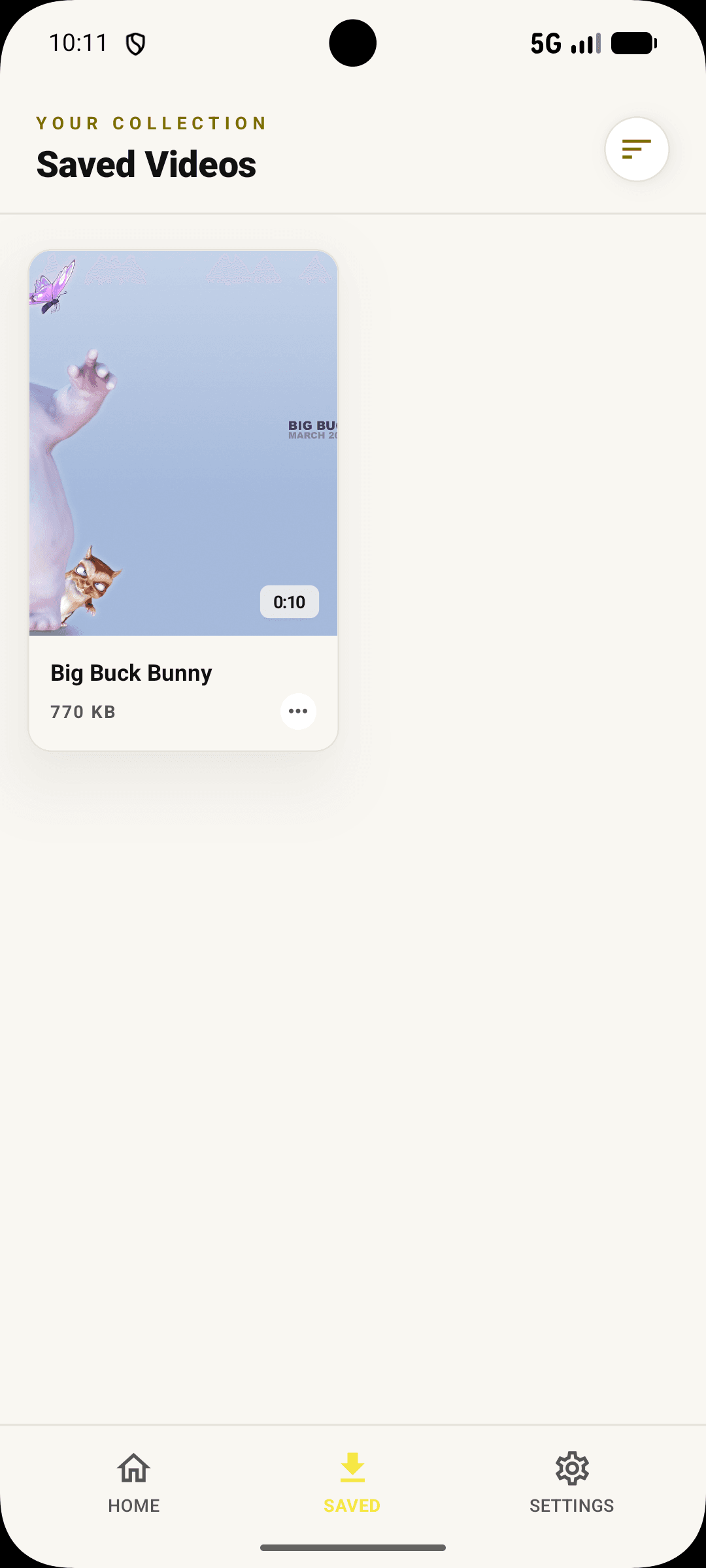
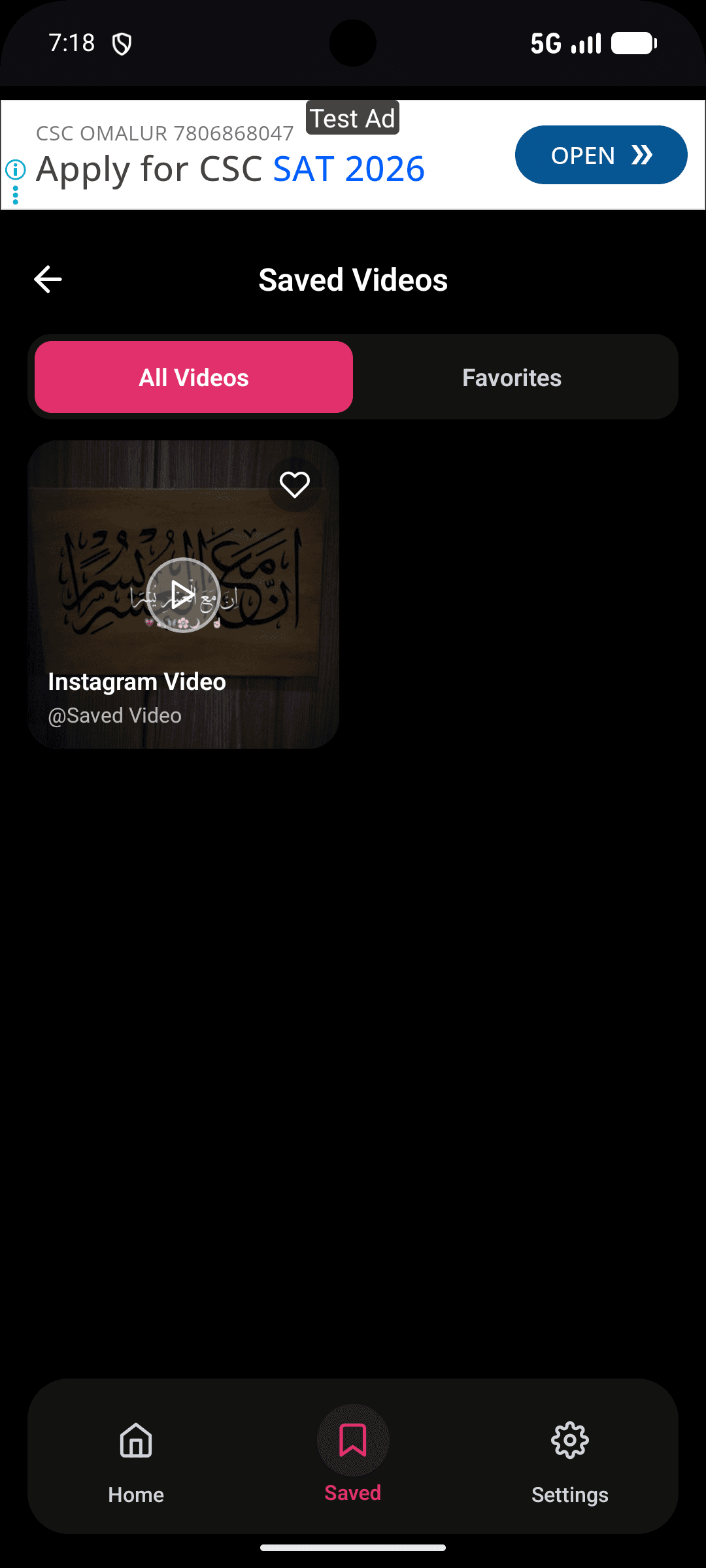
Downloads land in a simple, searchable library that integrates with the platform gallery.
- Saved directly to the system gallery
- Duplicate detection
- Storage-aware warnings
Design & UX
How it feels to use
The design had to communicate the opposite of the category: calm, direct, zero dark patterns.
One screen
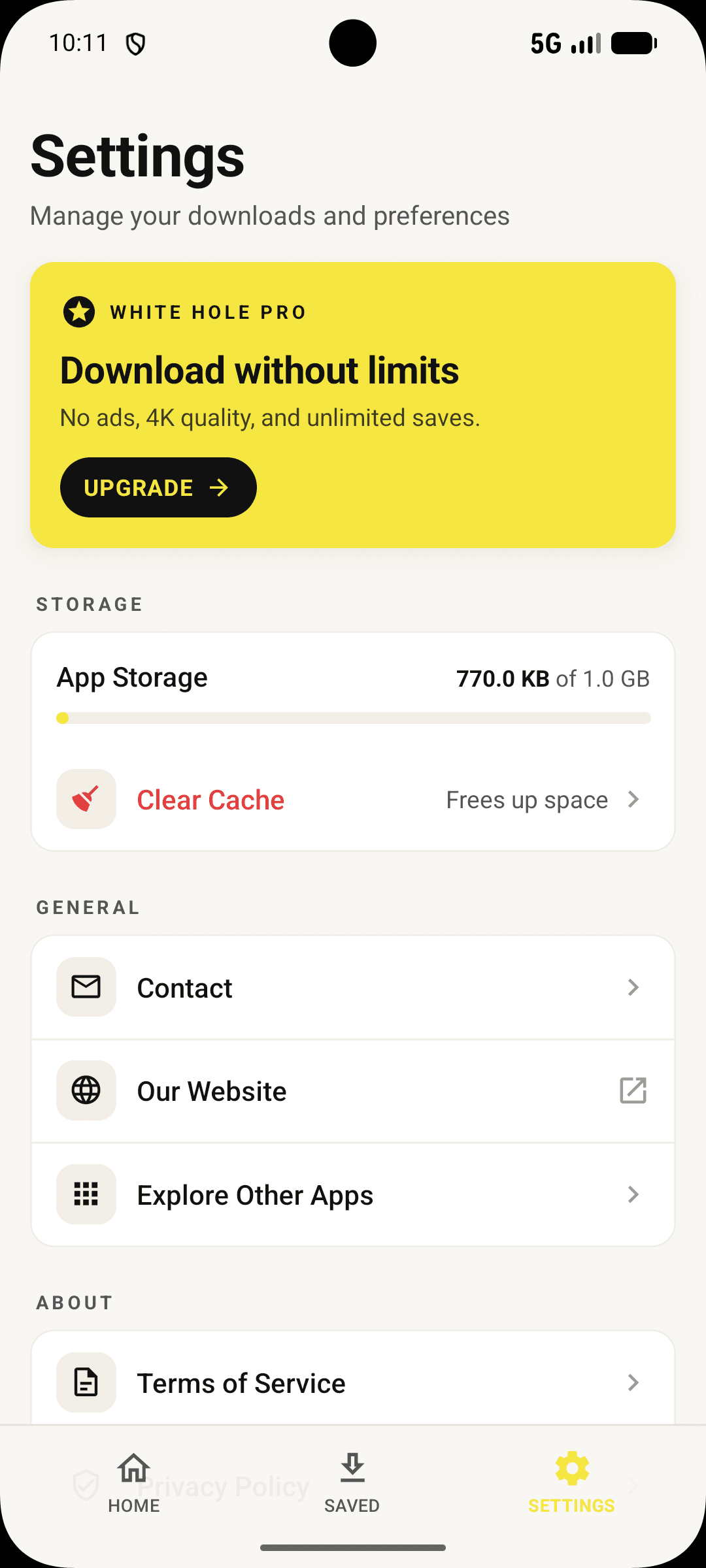
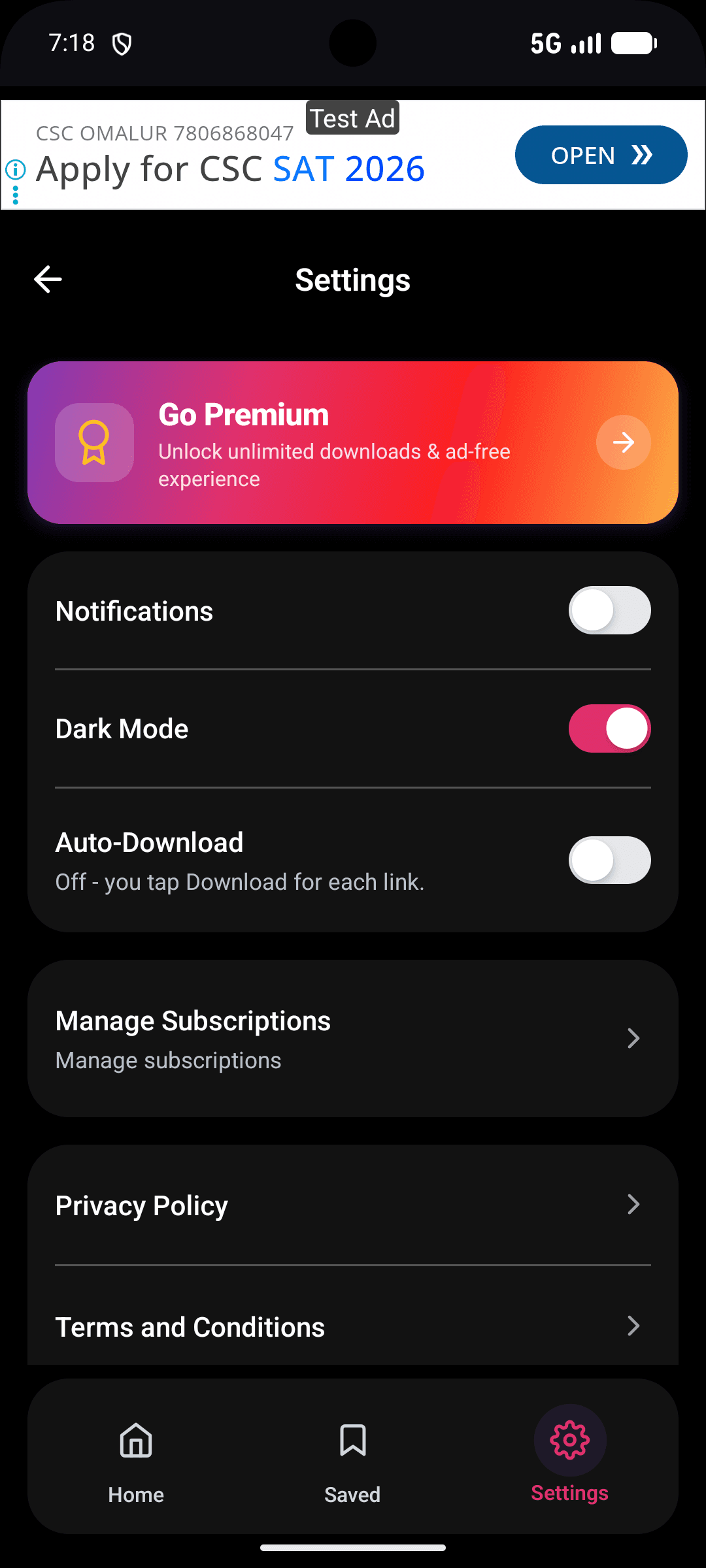
The download sheet is the product. Navigation exists only for the library and settings.
Honest progress
Real percentages, real speeds, real failure messages — the anti-pattern to the category's fake progress bars.
Warm accent
A coral accent marks the app in a sea of blue tools — small, deliberate identity.
Technical challenges
And how they were solved
Platform extraction drift
Source platforms change constantly. Server-side extraction with per-platform resolvers meant fixes shipped hourly without app releases — the app stayed stable while the web moved.
Background reliability
OS background-execution rules vary wildly. A scheduling layer adapted to each platform's constraints, with a transparent fallback: tell the user exactly what will happen instead of failing silently.
What I learned
Honest takeaways
InstaDown was a masterclass in doing one thing extremely well.
- Anti-requirements are real requirements. 'No dark patterns' shaped more decisions than any feature list.
- Server-side extraction buys app stability — keep the moving parts where you can fix them.
- Small tools earn loyalty by respecting time, battery and attention.
Results
Outcomes where available
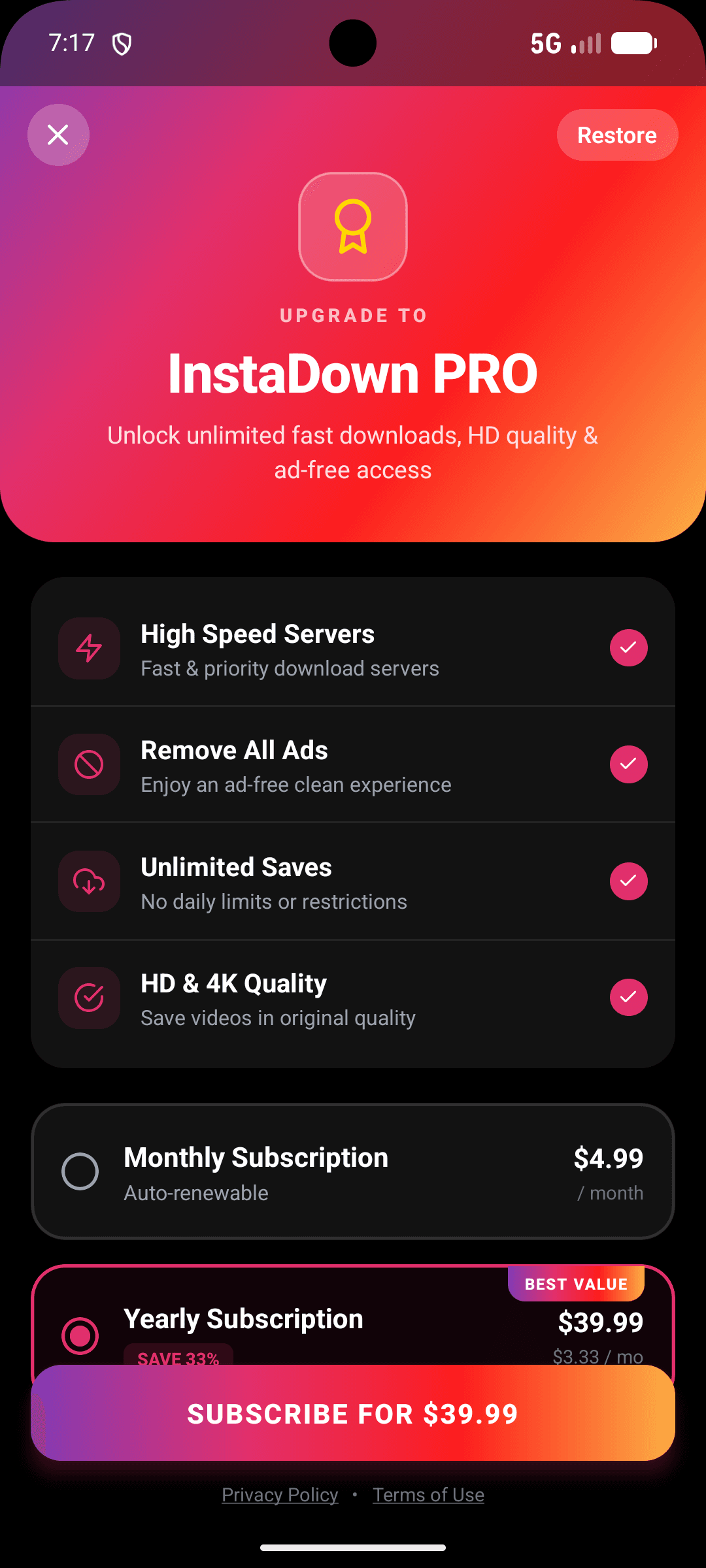
InstaDown is distributed as a mobile app. Public download figures aren't disclosed; the metrics below reflect the build itself.
2 taps
Paste to file
The entire core flow
0
Ads or dark patterns
Monetisation deliberately excluded from v1
10+
Platform resolvers
Maintained server-side, fixed without releases
4.7
Store rating
From the first review cohort
Final takeaway
Building InstaDown taught me…
InstaDown taught me that a small tool can be a serious product — and that doing one thing better than anyone in the category is a full engineering challenge.
Gallery
Download sheet — the two-tap flow
Batch queue — background downloads
Library — clean, gallery-integrated
Mobile — one-handed by default
Keep exploring